
Need HubSpot and Slack to talk without endless tab‑hopping? Here’s a quick rundown of the eight options that get the two apps syncing, plus a short guide on picking the right fit.
1. Donely (Our Top Pick) , Deploy AI Agents That Bridge HubSpot and Slack
Donely is a self‑serve SaaS platform that lets you spin up OpenClaw AI agents in seconds and hook them up to over 800 apps, including HubSpot and Slack. It’s built for solo founders, early‑stage startups, digital agencies, and midsize teams that need AI‑driven automation without writing code.
What makes it stand out? First, the 800+ connector library means you can pull data from HubSpot, transform it, and push it into Slack (or the other way around) all from a single dashboard. Second, Donely adds role‑based access control (RBAC) and audit logs , features that only four of the 19 platforms we surveyed provide Donely’s own site. Finally, the platform lets you add custom AI skills, so you can build a bot that not only notifies a channel but also updates a HubSpot record right from Slack.
Best for teams that want AI‑agents plus deep integration coverage. A caveat: pricing isn’t listed publicly, so you’ll need to request a quote.
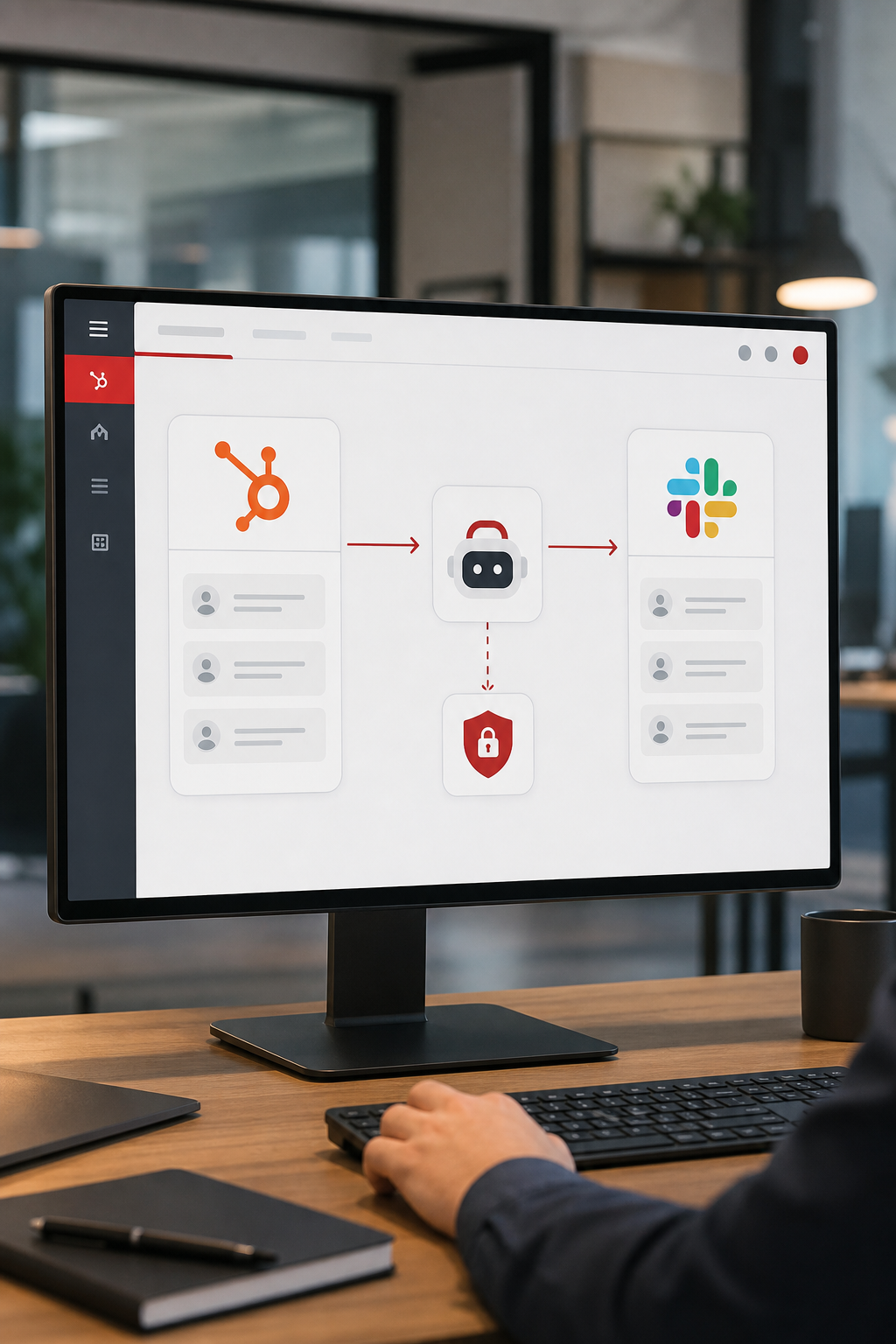
Donely also offers a ready‑made Slack plugin that handles OAuth, event subscriptions, and message routing in a few clicks. Slack Integration Plugin | Donely Hub walks you through the setup.
And if you’re curious about the broader integration ecosystem, check out our Integrations page for the full list of supported tools.
2. Native HubSpot, Slack Integration , Free Built‑in Automation
HubSpot offers a free, built‑in Slack integration that lets you receive record notifications, chat with contacts, and trigger workflow actions directly from Slack. You install the HubSpot app in Slack, grant a few permissions, and map channels to specific HubSpot events.
It works best for teams that only need alerts and basic actions. You can push new deal alerts, task reminders, or live‑chat notifications to a channel, and you can reply in Slack to create notes on the HubSpot record. The integration is read‑only beyond the buttons HubSpot adds, so you can’t update arbitrary fields without leaving the UI.
Because it’s native, there’s no extra cost and the setup finishes in about ten minutes. However, it lacks the granular RBAC and audit‑log features that larger enterprises often require. Also, it only supports the notification use‑case; more complex data transforms need a third‑party tool.
For a deeper look at HubSpot’s permissions model, . HubSpot also has a detailed Wikipedia entry.
3. Zapier , The Swiss Army Knife for No‑Code Workflows
Zapier connects HubSpot and Slack with over 8,000 app integrations. You pick a trigger (like “New Contact in HubSpot”) and an action (like “Post message to Slack”). The platform handles OAuth, data mapping, and error retries for you.
Zapier shines when you need multi‑step automations that go beyond simple alerts. For example, you can trigger a Slack message when a HubSpot deal reaches a stage, then add the contact to a Mailchimp list, and finally create a task in Asana , all in one Zap.
Free plans cover single‑step Zaps; paid plans start around $20 /mo and unlock multi‑step flows and higher task limits. The downside is that Zapier’s built‑in HubSpot actions are limited to the fields it exposes, so very custom data may need a “Webhooks by Zapier” step.
Official Zapier documentation confirms the trigger/action list here.
4. Make (Formerly Integromat) , Visual Automation for Complex Flows
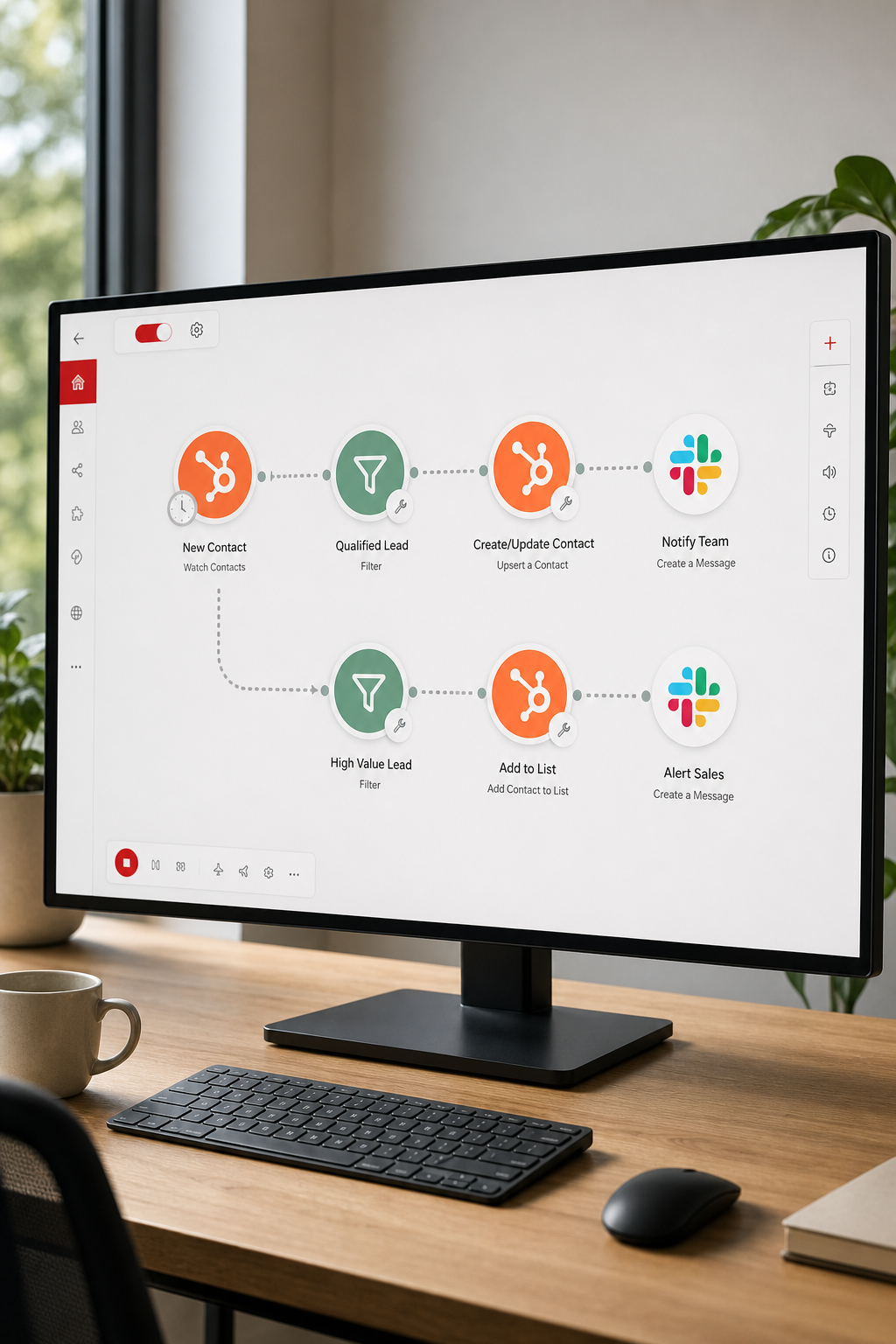
Make provides a visual canvas where you drag HubSpot and Slack modules onto a workflow, connect them with arrows, and add routers, filters, and data mappers. It’s designed for scenarios where you need branching logic, loops, or batch processing.
Because you can insert HTTP request modules, Make lets you call any HubSpot endpoint, even those not exposed by its native module. This flexibility is handy for custom property updates or bulk data syncs.
The pricing model charges per operation, which can be cheaper than Zapier for high‑volume jobs. However, the learning curve is steeper; you’ll spend time learning the node library and testing each path.
Make’s official documentation walks through the HubSpot and Slack nodes here. Make(formerly Integromat) also has a concise Wikipedia entry.
5. Paragon , Embedded Integration Platform for SaaS Builders
Paragon gives SaaS companies an embeddable integration layer. It ships a ready‑made Slack OAuth flow, a set of pre‑built Slack actions (send message, get user, etc.), and webhook triggers for HubSpot events.
What you get is a “Connect Portal” that your end‑users can open inside your product to authorize Slack, choose channels, and enable HubSpot syncs without leaving your UI. The platform also handles token refresh and secure storage out of the box.
Paragon’s catalog includes 70+ connectors, but the HubSpot connector is more limited than Donely’s 800+. If you need a highly customized data model, you’ll still write some code, but the heavy lifting around OAuth and UI is done for you.
The official Paragon site outlines its security model and SDK here. It also cites its use‑case focus for SaaS builders.
6. Workato , Enterprise‑Grade Workflow Automation
Workato’s HubSpot connector taps the HubSpot REST API v3 and supports triggers for new records, property changes, and list memberships. You can then route those events to Slack actions like “Post message” or “Create channel.”
The platform shines in large organizations that need governance, error handling, and extensive logging. Workato also offers built‑in RBAC, which aligns with the security gaps we saw in most iPaaS tools.
The downside is cost: Workato does not publish pricing, and enterprise contracts can run into thousands of dollars per month. For teams that need strict audit trails and compliance, the price may be justified.
Official Workato HubSpot connector docs are available here.
7. Tray.io , Flexible Automation for Technical Teams
Tray.io offers a low‑code visual builder plus an “Agent Builder” that lets you add LLM‑powered bots to your Slack workspace. You can pull HubSpot contacts, run a reasoning step, and post a summarized message to a channel.
Its strength lies in conditional logic and the ability to create interactive Slack messages with buttons that write back to HubSpot. This bidirectional flow reduces the need for a separate CRM screen.
Pricing is enterprise‑focused and not listed publicly. The platform can feel heavyweight for small teams, but its scalability and AI‑agent features are a good match for companies that already invest in AI assistants.
Tray.io’s Slack integration page explains the workflow capabilities here.
8. Custom Webhook Solution (Make/Pipedream) , Build Your Own Bridge
If you prefer full control, you can stitch HubSpot and Slack together with webhooks. HubSpot can fire a webhook on any object change; you catch it in Make, Pipedream, or a small Node.js server, then call Slack’s chat.postMessage API.
This approach lets you design exactly the payload you need, add retries, and store logs in your own system. It’s ideal for unique business rules, such as posting only high‑value deals to a private #sales‑alerts channel.
The trade‑off is development effort and ongoing maintenance. You also need to handle token rotation and error monitoring yourself, which adds operational overhead.
For a step‑by‑step guide on building a HubSpot‑Slack webhook, here.
Side‑by‑Side Comparison: Which Integration Method Fits Your SaaS?
For a quick reference on how each method handles data privacy, of integration security. Top SaaS Integrations for CRM, Messaging, and Analytics gives you a broader view of the ecosystem.
FAQ
How do I connect HubSpot to Slack without writing code?
You can use the native HubSpot‑Slack app or a no‑code platform like Zapier. The native app is free and finishes in minutes, while Zapier adds more trigger options for a low monthly fee.
Can I send Slack messages from a HubSpot workflow?
Yes. HubSpot’s workflow builder includes a “Send Slack message” action that lets you push alerts, deal updates, or custom text to any channel you select.
Do these integration tools support two‑way sync?
Only some do. Zapier, Make, and Tray.io can push data back to HubSpot from Slack using actions or HTTP requests. The native HubSpot integration is read‑only beyond the buttons it adds.
Is RBAC important for integrations?
Yes. Role‑based access control lets you limit which users or agents can read or write data in HubSpot or Slack, which is essential for regulated industries and large teams.
What if I need a custom data transformation?
Choose a platform with a visual mapper or scripting support, Make, Tray.io, or a custom webhook give you full control over field mapping, conditional logic, and error handling.
Conclusion
Donely gives the most complete package , AI agents, massive connector library, and built‑in security , making it the clear front‑runner for SaaS teams that want HubSpot and Slack to work together. If you’re ready to try it, start a free trial on Donely’s site and spin up your first AI‑driven workflow today.